
Dark
VS Code color theme
Calm editor surfaces. Clear purple focus.
Available in 12 fine-tuned variants (Dark, Light, HC Dark, HC Light) across Base, Bold, and Italic styles — all built around the deep indigo-black depth and violet accents of the santi020k brand.
Variants
Three surfaces, one visual rhythm.
Light
santi020k light
#f8f6fdHC Dark
santi020k hc dark
#0d0718HC Light
santi020k hc light
#ffffffPreview
See every surface, across modes.
Real editor layout — activity bar, sidebar, tabs, minimap, and terminal — styled exactly as they appear in VS Code.
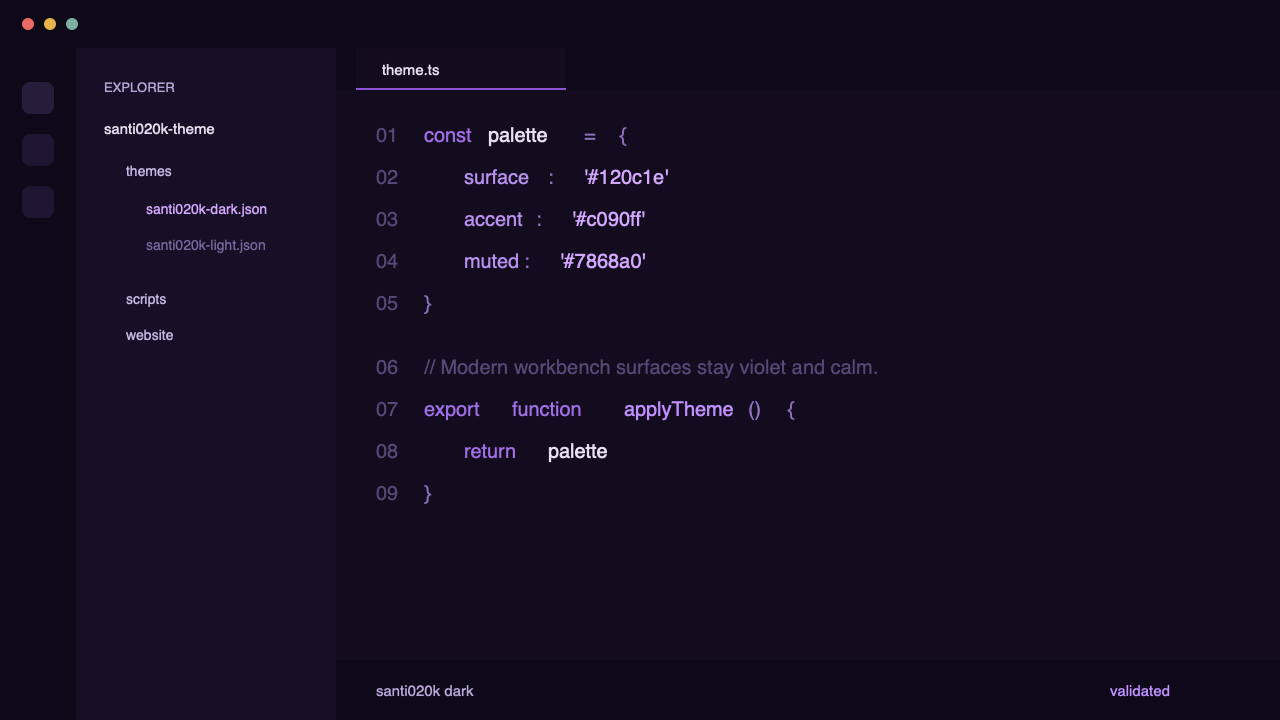
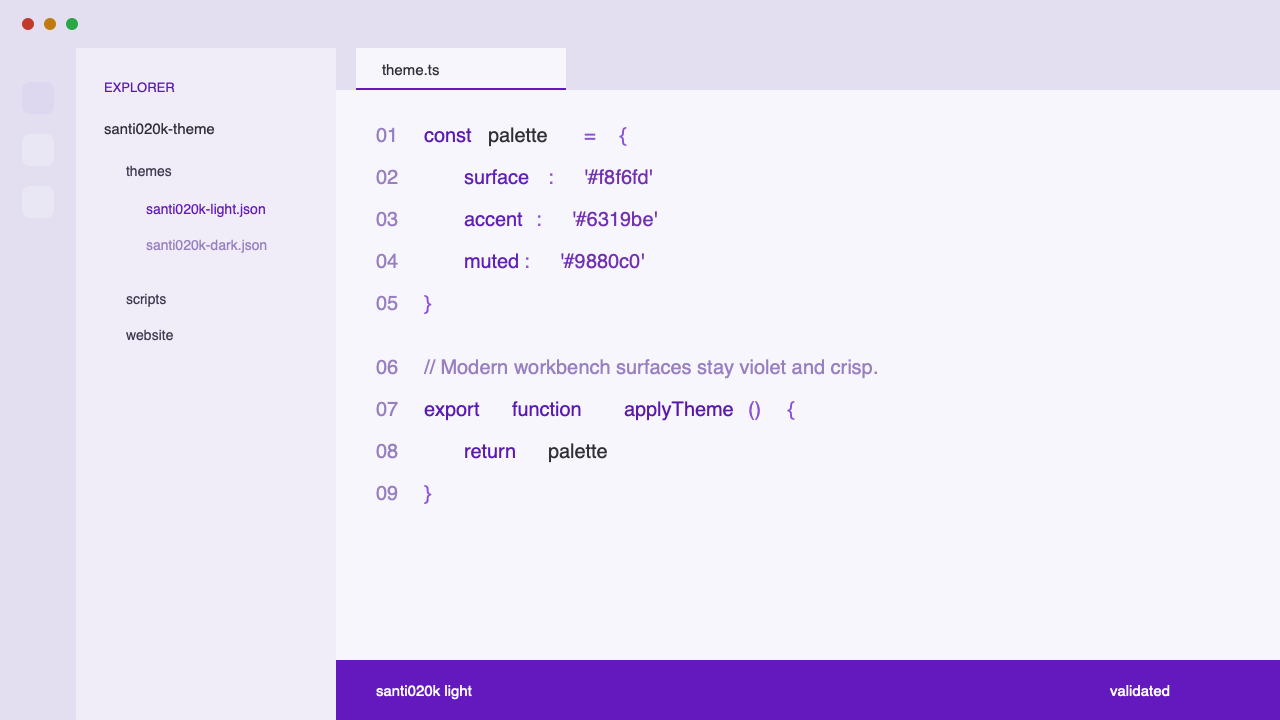
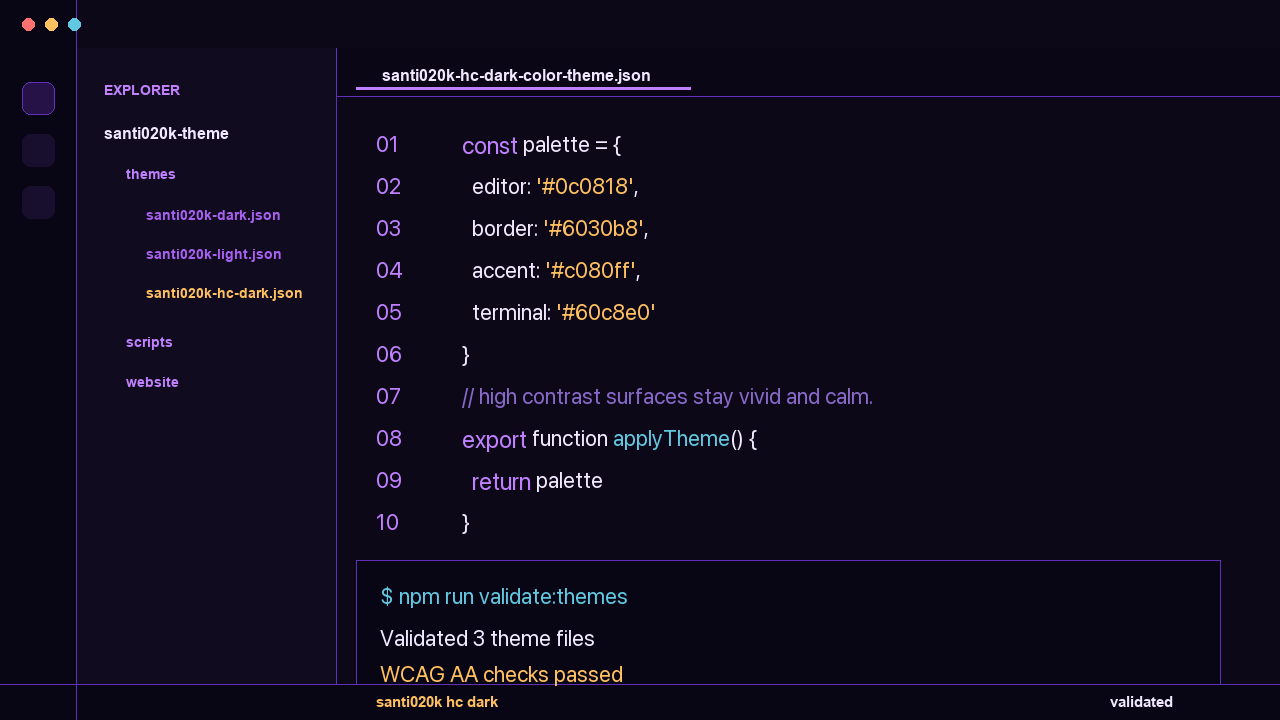
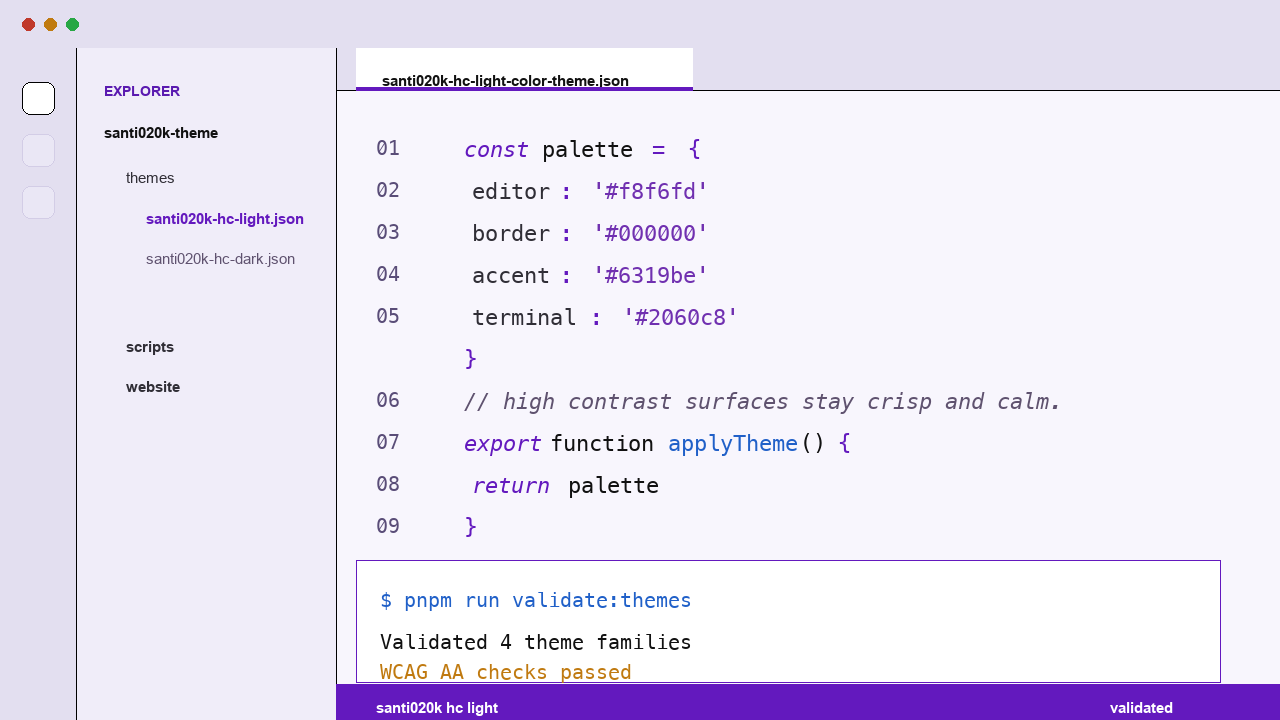
Philosophy
Designed for hours, not screenshots.
Every decision in the palette came from a question: does this help you read code faster?
No neon
Saturated syntax colors destroy contrast at 2 AM. Every hue is pulled back until it guides the eye without demanding attention.
Keywords recede
Control-flow keywords are muted italic — present but quiet. Your identifiers and values carry the visual weight because they carry the logic.
Semantic-aware
Semantic highlighting is on by default. Class names, type parameters, and mutable variables get distinct shades — no extra config needed.
Terminal included
The 16 ANSI colors are calibrated to the same violet palette. Shell output reads like part of the editor, not an afterthought.
Works with
Every VS Code-based editor.
Install once from the Marketplace or Open VSX — the theme loads in all editors built on VS Code's extension API.
Supported Technologies
Deep coverage for your stack.
Optimized TextMate and Semantic tokens for 20+ languages, frameworks, and tools — built to stay expressive over long sessions.
TypeScript
JavaScript
React / Next.js
Tailwind CSS
Prisma
Elixir
Node.js / Vite
Python
Rust
Go
SQL / PostgreSQL
HTML / CSS
Svelte / Vue
Shell / Docker
+50 more
Palette
Violets for focus, soft contrast for long sessions.
Indigo blackSidebarControlFocusStringLight canvas